Share this article
Improve this guide
How to fix Xbox One Amazon Prime Video error code 5266
Solve the error code and open Amazon Prime without issues
2 min. read
Updated onOctober 4, 2023
updated onOctober 4, 2023
Share this article
Improve this guide
Read our disclosure page to find out how can you help Windows Report sustain the editorial teamRead more
A specific frustrating Xbox One issue seemed to bug many users when trying to open the Amazon Video App.
An error message containing theerrorcode 5266 prompts on the screen upon accessing the problematic application.
Usually, thiserroris related to app corruption,network issuesor server related problems.
In order to fix this issue, here are a few solutions that you can use.
How to open Amazon Prime app on Xbox without error 5266
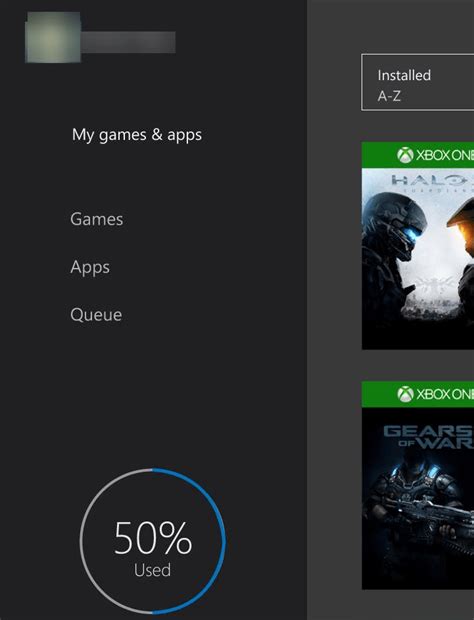
1. Verify the Xbox server status
Before attempting other system fixes, you should make sure that the Xbox servers are up and running.
There is no need to resort to making system changes if the Xbox servers are down. You’ll just need to have a little patience.
Go to the officialMicrosoft web pageto check the live server status.
2. Check the Amazon Prime Instant Video server status
Even if the Xbox servers are running properly, Amazon Prime’s servers could be down or under maintenance.
Check the server status onDownDetectorin order to see if there have been recent issues with the server.
3. Test and improve your internet connection
4. Reinstall the Amazon Prime Video app
5. Contact the Internet Provider
Sometimes, you could have some closed ports blocking your access to certain internet portals.
Contact your ISP and let them know about your issue. They could open some ports in order to grant you access to the Amazon Prime app.
We hope that our solutions helped you o fix the Xbox error. If you found other working solutions, please share them in the comment section below.
READ ALSO:
More about the topics:Xbox One issues
Madalina Dinita
Networking & Security Specialist
Madalina has been a Windows fan ever since she got her hands on her first Windows XP computer.
She is interested in all things technology, especially emerging technologies – AI and DNA computing in particular.
Prior to joining the WindowsReport team, she worked in the corporate world for a number of years.
User forum
0 messages
Sort by:LatestOldestMost Votes
Comment*
Name*
Email*
Commenting as.Not you?
Save information for future comments
Comment
Δ
Madalina Dinita
Networking & Security Specialist
Madalina is a Windows fan since forever, especially interested in AI, emerging technologies, privacy, and security.
